
Variables
Variables are named values you define once and reference from flows, device fields, and other supported inputs. Use them for things many flows share - an NTP server address, a region code, a default port.
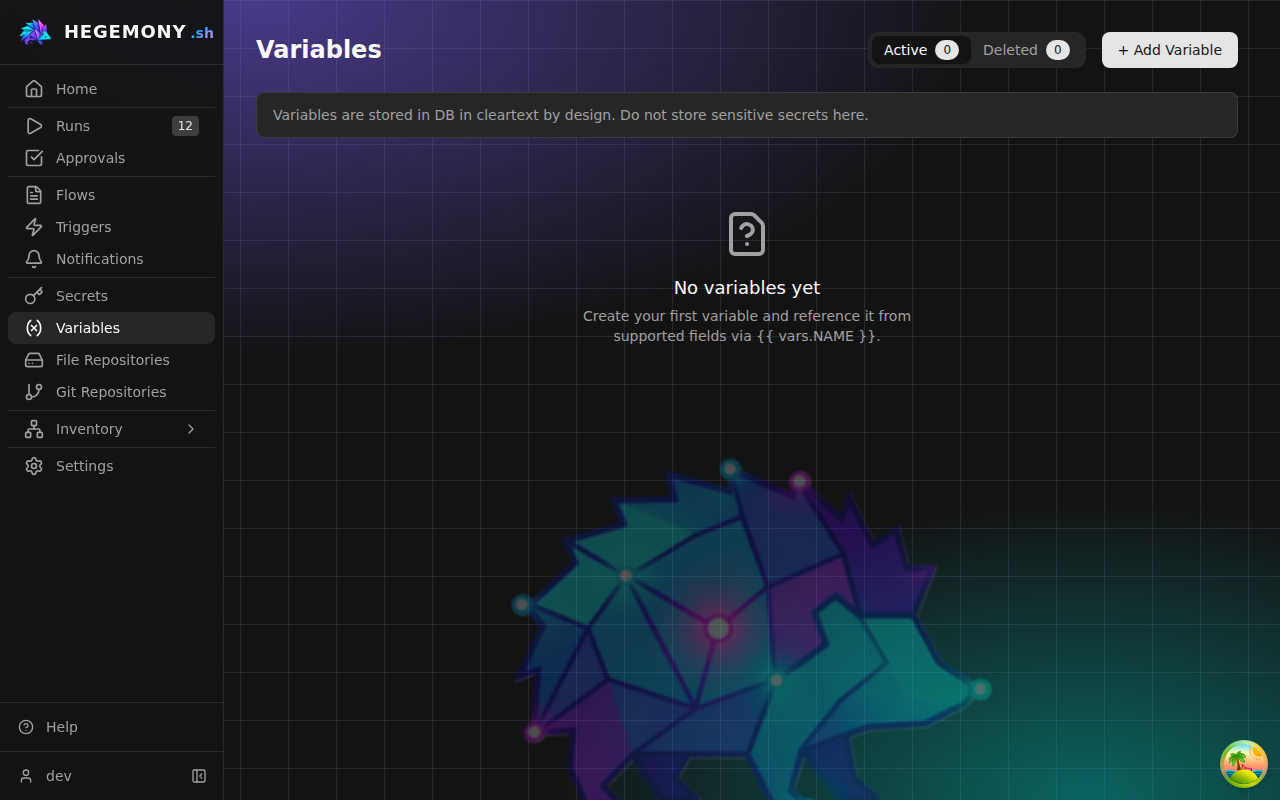
Variables are stored in cleartext by design. Never put passwords, keys, or tokens in a variable - use secrets instead, and reference them with the
secret()template function.
Create a variable
- Open Variables and click Add Variable.
- Pick a Name - letters, digits, and underscores, not starting with a digit (for example
NTP_SERVER). The name cannot be changed later. - Enter the Value. If the text parses as JSON it is stored typed -
42becomes a number,truea boolean,["a","b"]a list,{"region":"eu"}an object - otherwise it is stored as a plain string. The Preview (stored value) box shows exactly what will be stored. - Optionally add a Description, then click Create Variable.
Reference a variable
Anywhere templating is supported, write:
{{ vars.NTP_SERVER }}Every variable's detail page shows its ready-to-copy reference. In forms with the braces icon button you can open the Variable Picker instead: search, click to insert, and check Syntax Help at the bottom for the full templating cheat sheet (variables, secret(), defaults, and filters). A variable's value may not use env() or file(): those read the platform's own environment and are refused in organization content.
Shared-organization variables
Variables from the deployment's shared organization appear in your list with a Shared badge. They are read-only here: you can reference them or Duplicate them into your own organization, but not edit them. If your organization defines a variable with the same name as a shared one, yours wins - the picker only ever offers the value that will actually resolve.
Edit, duplicate, delete
- Edit changes the description or value; the name is fixed.
- Duplicate pre-fills a copy (named
<name>_copy) - also the way to make an editable local copy of a shared variable. - Delete is reversible: the variable moves to the Deleted tab, from which you can restore it or delete it permanently. Restoring fails if an active variable meanwhile took the same name - rename first.
History card
The detail page carries a History card listing the most recent audit log entries about this object: how long ago, what the action was, which fields changed, who did it, and a non-success outcome where there was one. A row opens the same entry dialog the audit log uses, and the card links into the log filtered to this object. It appears only for callers who may read the audit log, so an operator or org admin sees the page without it.
Variables vs. other value stores
| Store | For | Referenced as |
|---|---|---|
| Variables | Non-sensitive shared values | {{ vars.NAME }} |
| Secrets | Passwords, tokens, keys | {{ secret('backend://path/key') }} |
| Environment variables | Platform configuration only (secret backends, inventory providers); flows cannot read them | {{ env('VAR_NAME') }} |
| Flow inputs | Per-run answers from the person starting the run | {{ inputs.NAME }} |