
Visual flow editor
Draw a workflow as a graph of steps, or edit it directly as YAML. Work in a draft, commit it as a new version, and compare versions.
Features
Hegemony runs long infrastructure changes as workflows: with approvals, with a record of what ran on every device, and without losing its place when something restarts.
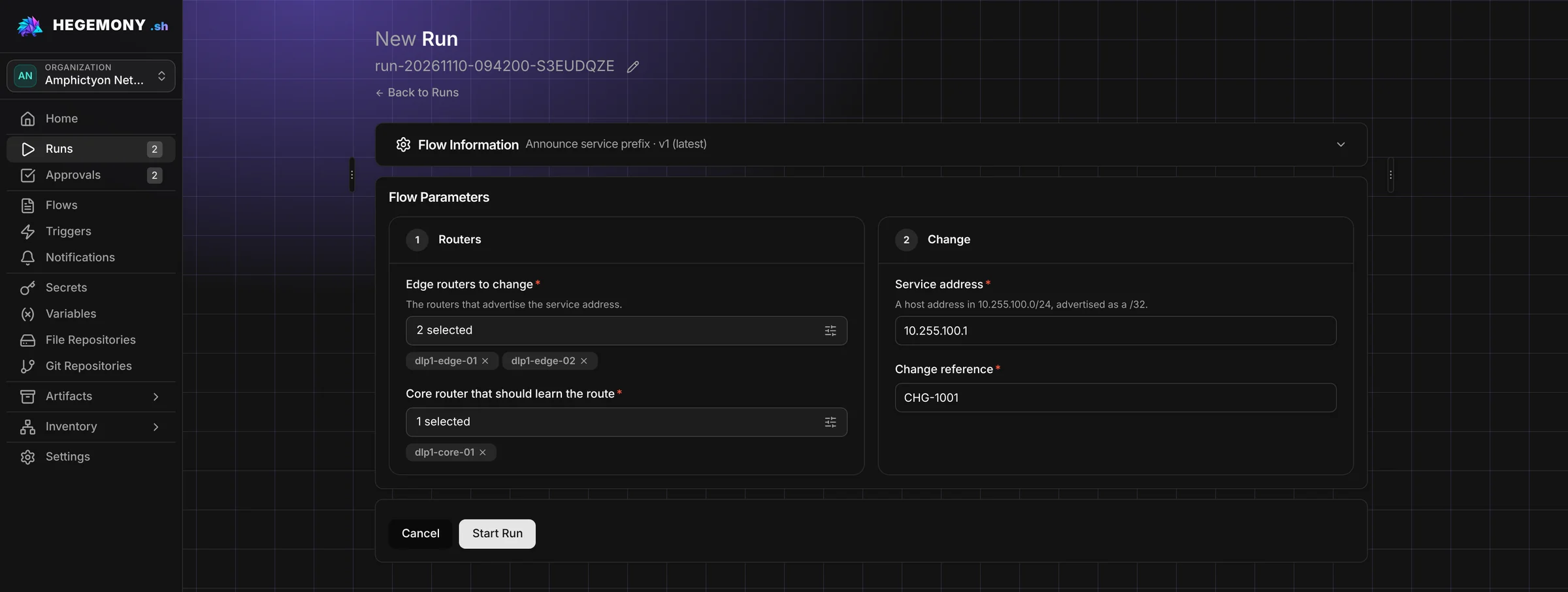
Draw a workflow as a graph of steps, or edit it directly as YAML. Work in a draft, commit it as a new version, and compare versions.
Decide, repeat and fan out inside one workflow. Loops can run one by one or in parallel.
Run one flow as a step of another, so common procedures are built once.
Design the form an operator fills in to start a run, with checks on every field.
Start a run by hand, on a schedule, or from another system with an incoming webhook.
Limit how many runs of a flow are active at once and how often they may start.
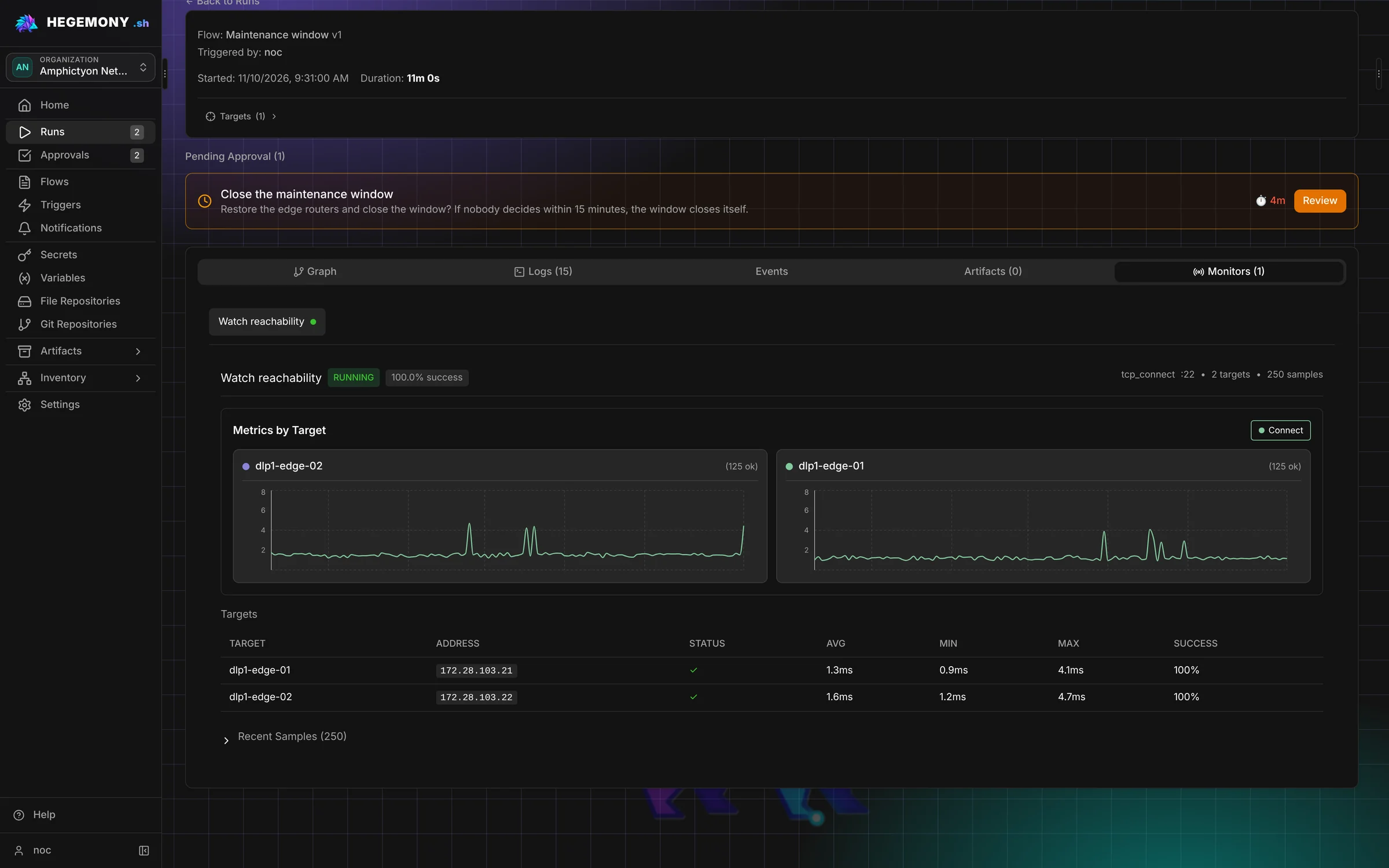
Runs execute on Temporal. They continue after a restart and can wait for days for a maintenance window or a device reload.
Start and approve a run ahead of time. It does its work only inside the maintenance window you set.
Pause a run until a person approves or rejects it. Pending requests wait in one inbox.
SSH commands, network device commands, Ansible, Terraform and OpenTofu, HTTP requests, NetBox, and DNS, HTTP and TLS checks.
Run any tool in an isolated container, and limit which network addresses it may reach.
The platform stores, locks, versions and encrypts Terraform and OpenTofu state.
Watch devices in the background during a change, with live tables and graphs.
Follow the output of every step while the run is in progress.
Keep a record of what actually ran on each device, together with the files a step produced.
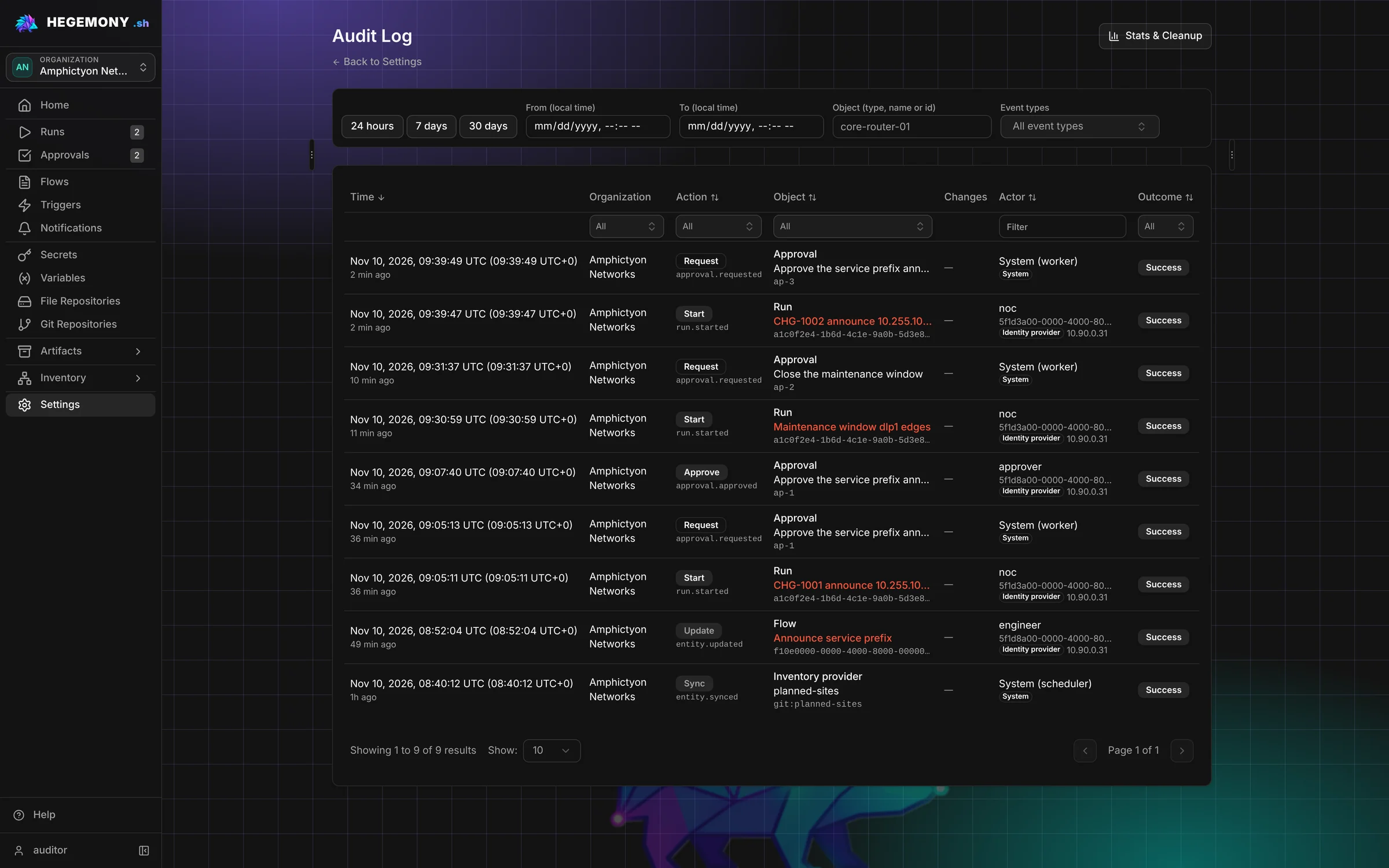
A record of who did what and when, with filters.
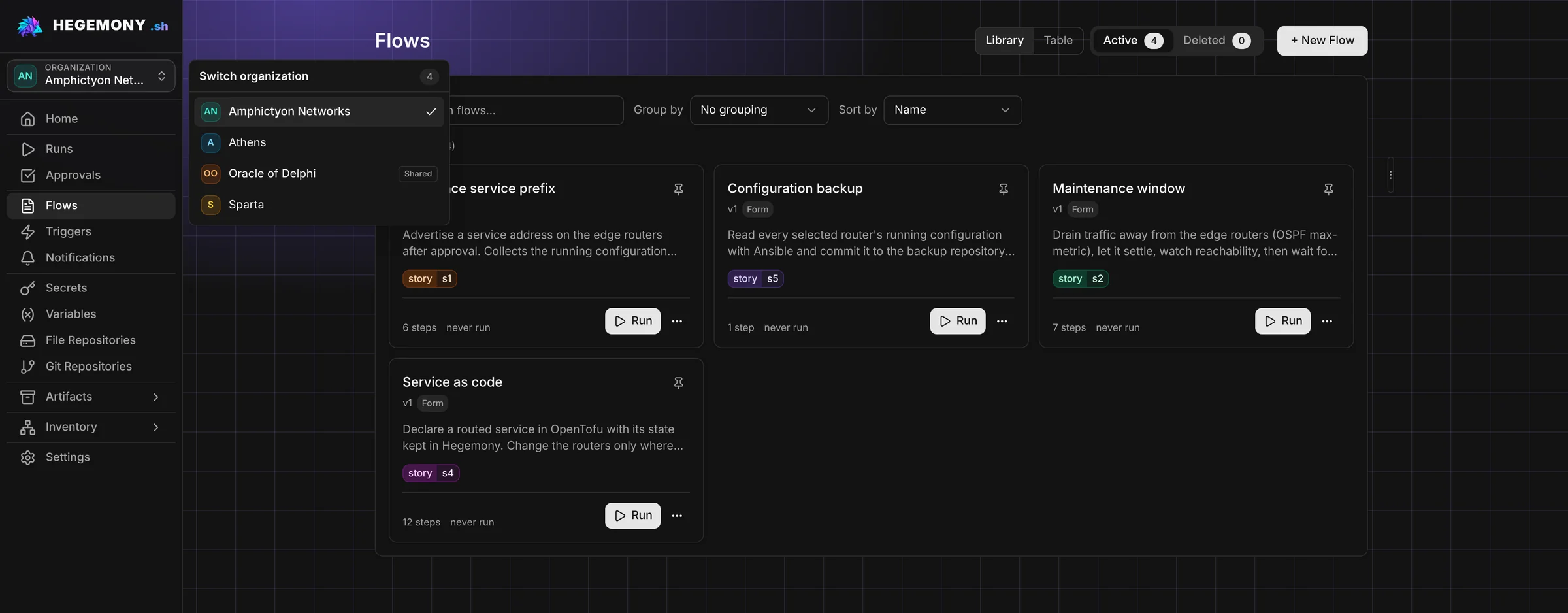
Log in through Keycloak. Six roles separate building, running, approving and auditing. Sensitive actions ask for a fresh sign-in.
Keep several teams or customers apart on one installation, each with its own flows, devices and secrets. Copy flows from one to another.
The database keeps only references. Use the bundled OpenBao, HashiCorp Vault or 1Password. Secrets are hidden in step output.
Each organization manages the SSH host keys and the private certificate authorities it trusts.
Tokens let scripts and other tools call the API.
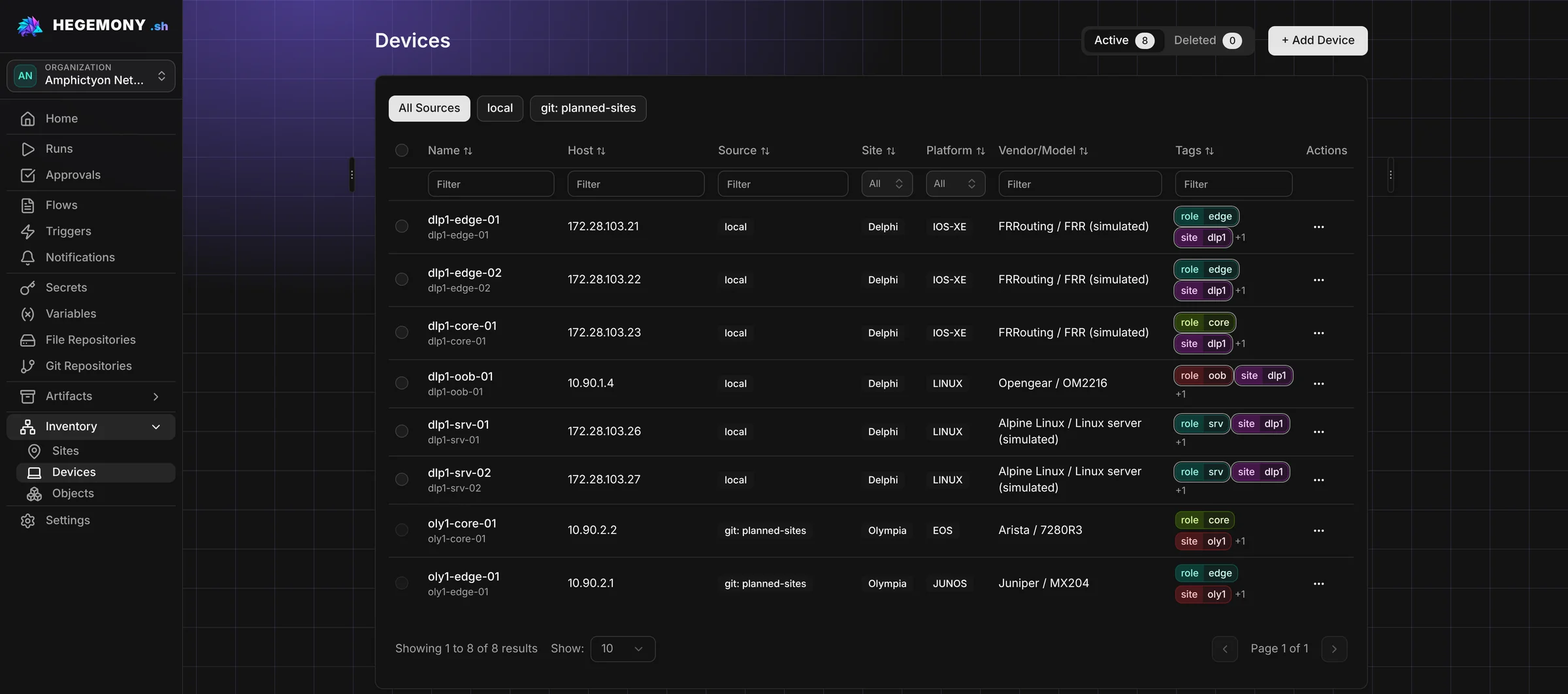
Manage devices and sites in Hegemony, or bring them in from NetBox or a Git repository. Target devices by hand or by a query.
Keep flows and their attached files in Git repositories, and sync them with push and pull.
Export and import the platform configuration as YAML, and back it up to Git on a schedule.
Email, Slack, Microsoft Teams, Webex, Discord, Telegram, Pushover and outgoing webhooks.
Keep large files on S3-compatible storage.
Steps, inventory sources, notification channels and secret stores are plugins, so you can add your own.
Where Hegemony is heading. These items are planned, not built yet, and the list is not a schedule or a commitment.
Steps that stage an image, install it, verify the running version, and roll back on failure.
Support for more platforms: network devices, servers and other systems.
Built-in WinRM (Windows Remote Management) support for running commands on Windows hosts.
Credentials issued for one run, such as short-lived SSH certificates and one-time passwords.
Approve or reject a waiting run from ServiceNow, Jira or a chat tool.
An SNMP check, and more connectivity checks such as TLS handshake, SSH banner and NETCONF.
Run steps on workers inside a separate network zone, such as a DMZ. The worker connects out to the platform, so the platform needs no inbound connection into the zone.
Build VMware VM templates in a flow, store them in Hegemony, and let vCenter subscribe to them as a Content Library.